The red fox in the corner of getgrant.ua answers questions about the service, searches the whole site for explanations and runs a two-minute diagnostics of a grant project. We show Grantoid at work and explain why it generates no text.
In the bottom right corner of getgrant.ua sits a red fox in a blue T-shirt. This is Grantoid, the AI assistant of the GetGrant service. It answers questions about the service, searches the whole site for explanations and runs a two-minute diagnostics of a grant project. Its main trait is unusual for a chatbot in 2026: Grantoid does not generate text, so it cannot invent a price, a deadline or a call requirement.
In this review we show Grantoid at work in screenshots from the live site, explain how it picks an answer, what it can do, what it deliberately does not do, and why we built it this way. The screenshots were taken on 11 October 2026.
Short answer
- Grantoid has two roles: a chat assistant on every page of the site and an AI consultant on the free project diagnostics page.
- In the chat it answers from three sources in turn: a base of 53 ready answers, a search by meaning across more than 4,000 passages of the site, and, when there is no confident answer, an honest statement of that.
- Grantoid generates no text. Every answer is either written by the team or is a verbatim quote from a page with a link to it.
- The project diagnostics consists of nine short questions and ends with one of three recommendations: start with the platform, come to a free talk, or book an expert consultation.
- No sign-up is needed, it is free, it works in Ukrainian and English, on a computer and on a phone.
Who Grantoid is
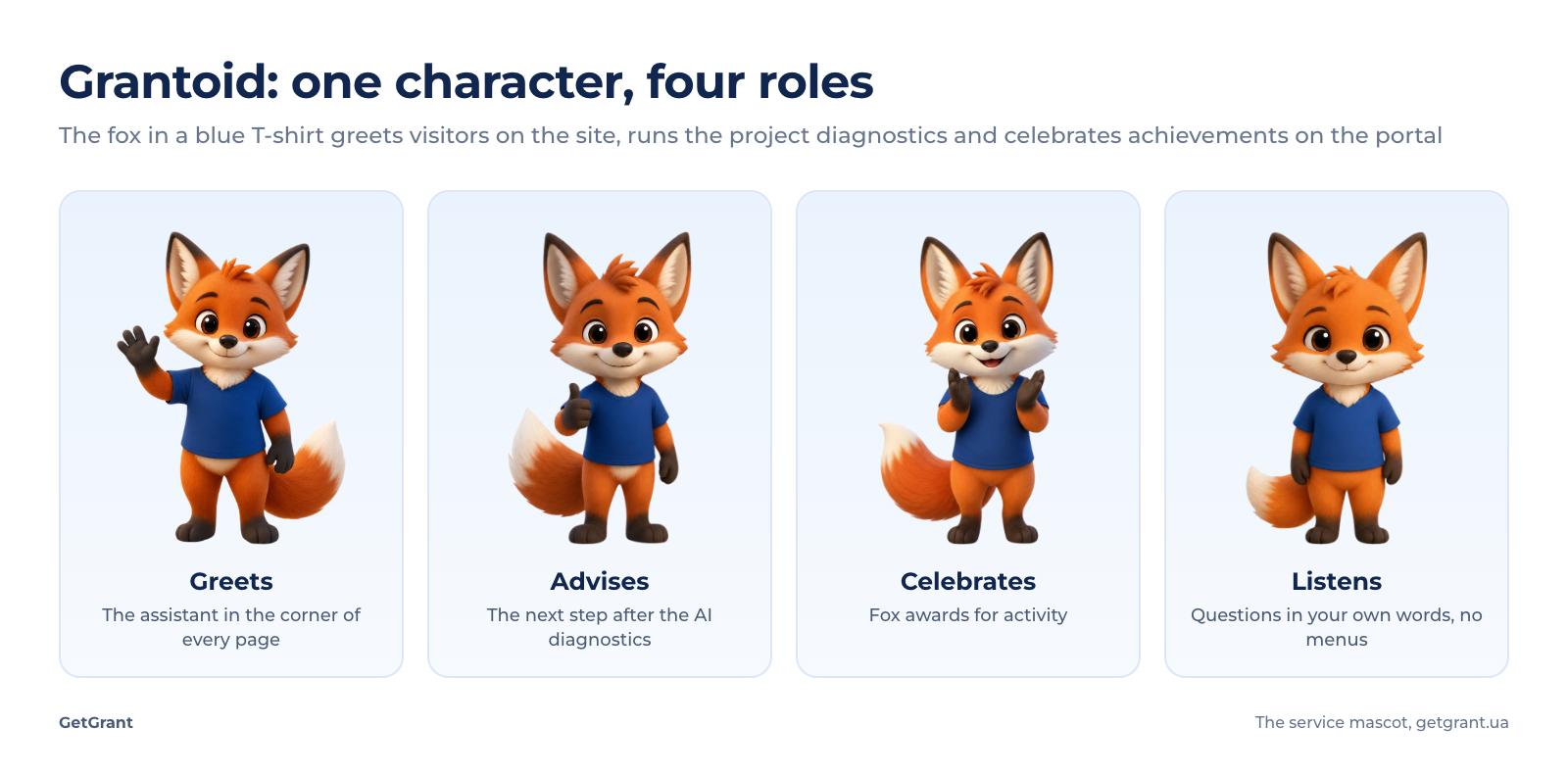
Grantoid is both a mascot and an interface. The same fox greets you on the public site, leads the dialogue on the diagnostics page and appears on the user portal as awards for activity. The idea is simple: grants are a complex and dry subject, and it is easier to ask “how much does it cost” or “where do I start” of someone who has a face.
An assistant on every page
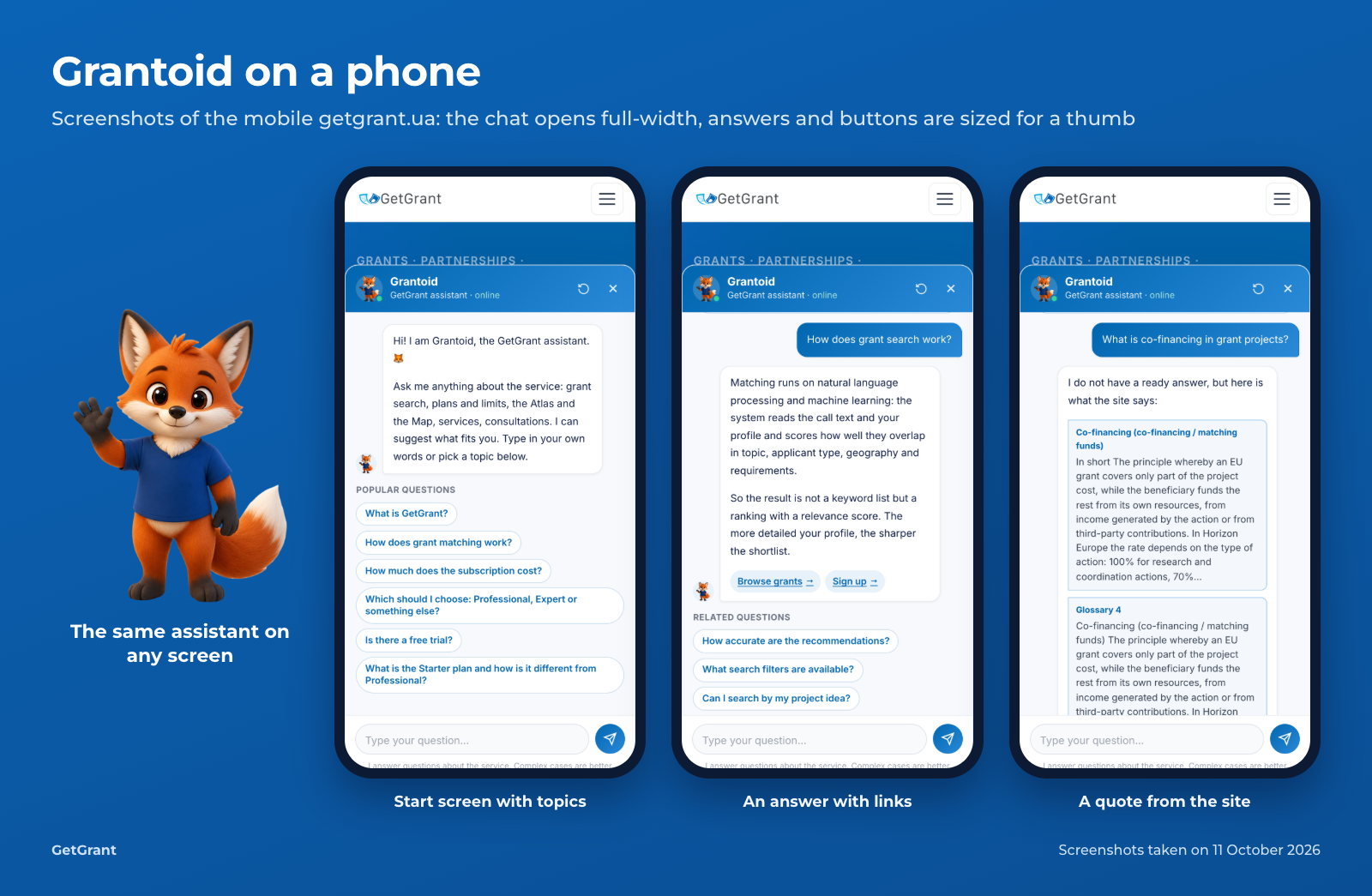
The circle with the fox is visible on every page of the public site. A click opens a chat window with a greeting and six popular questions: what GetGrant is, how grant matching works, how much the subscription costs, which plan to choose, whether there is a free trial, and what the Starter plan is. You can click a topic or type a question in your own words.
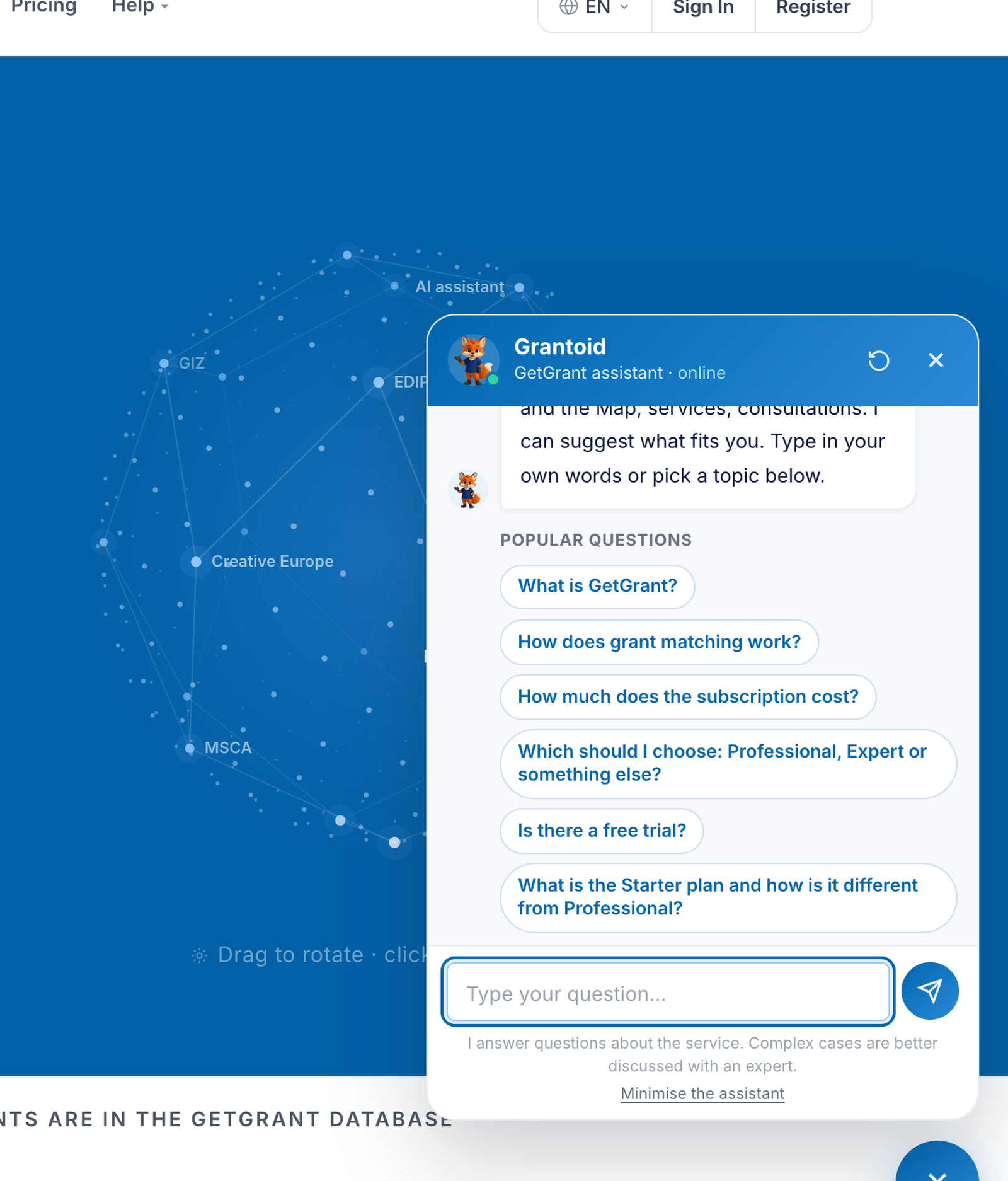
The assistant does not get in the way. You can minimise it with the cross on the circle itself or with the “Minimise the assistant” line at the bottom of the window, and then a narrow tab stays at the edge of the screen to bring the chat back. The choice is remembered, so the fox does not jump out again on every page.
Three kinds of answer
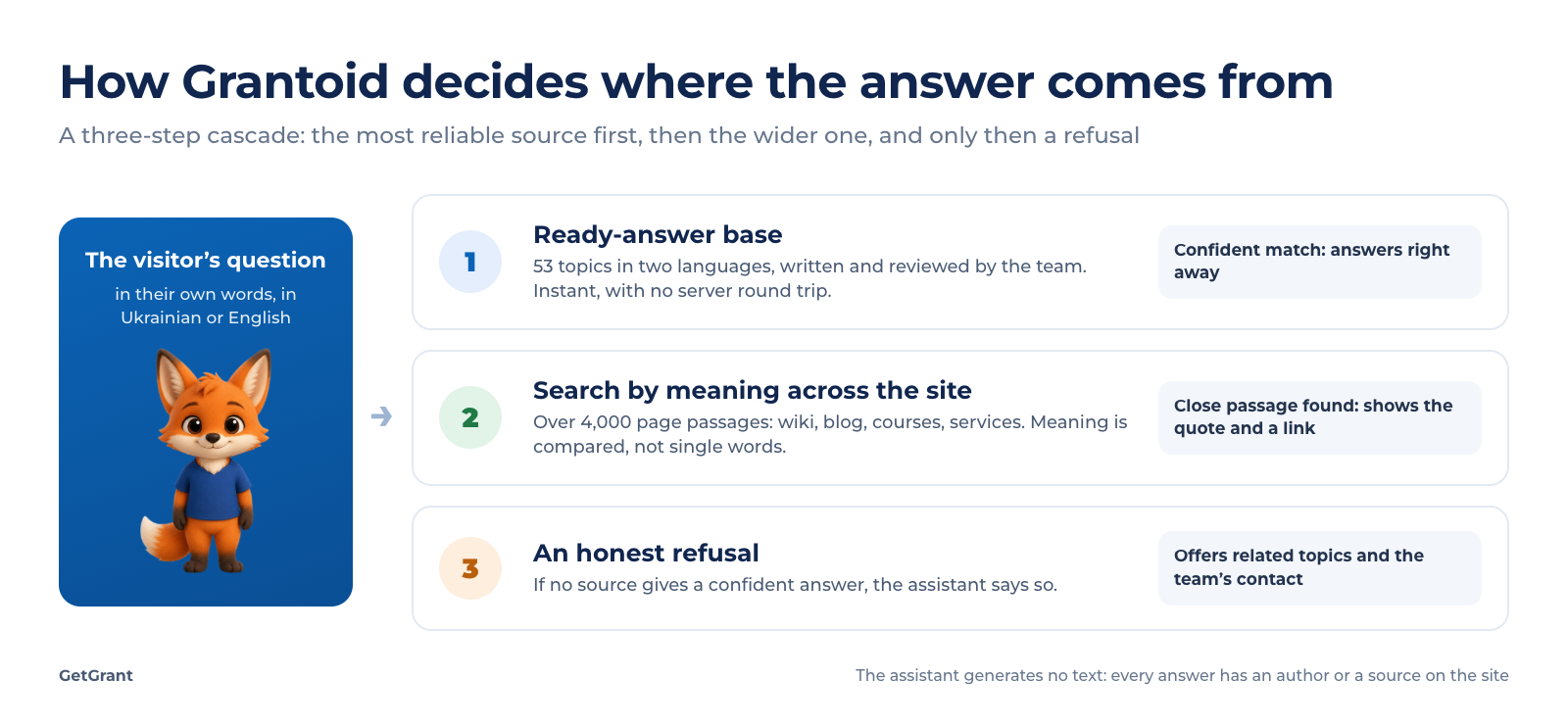
The interesting part happens after you ask a question. Grantoid does not turn to a large language model with a request to “write something convincing”. It follows a three-step cascade and stops at the first step that gives a confident answer.
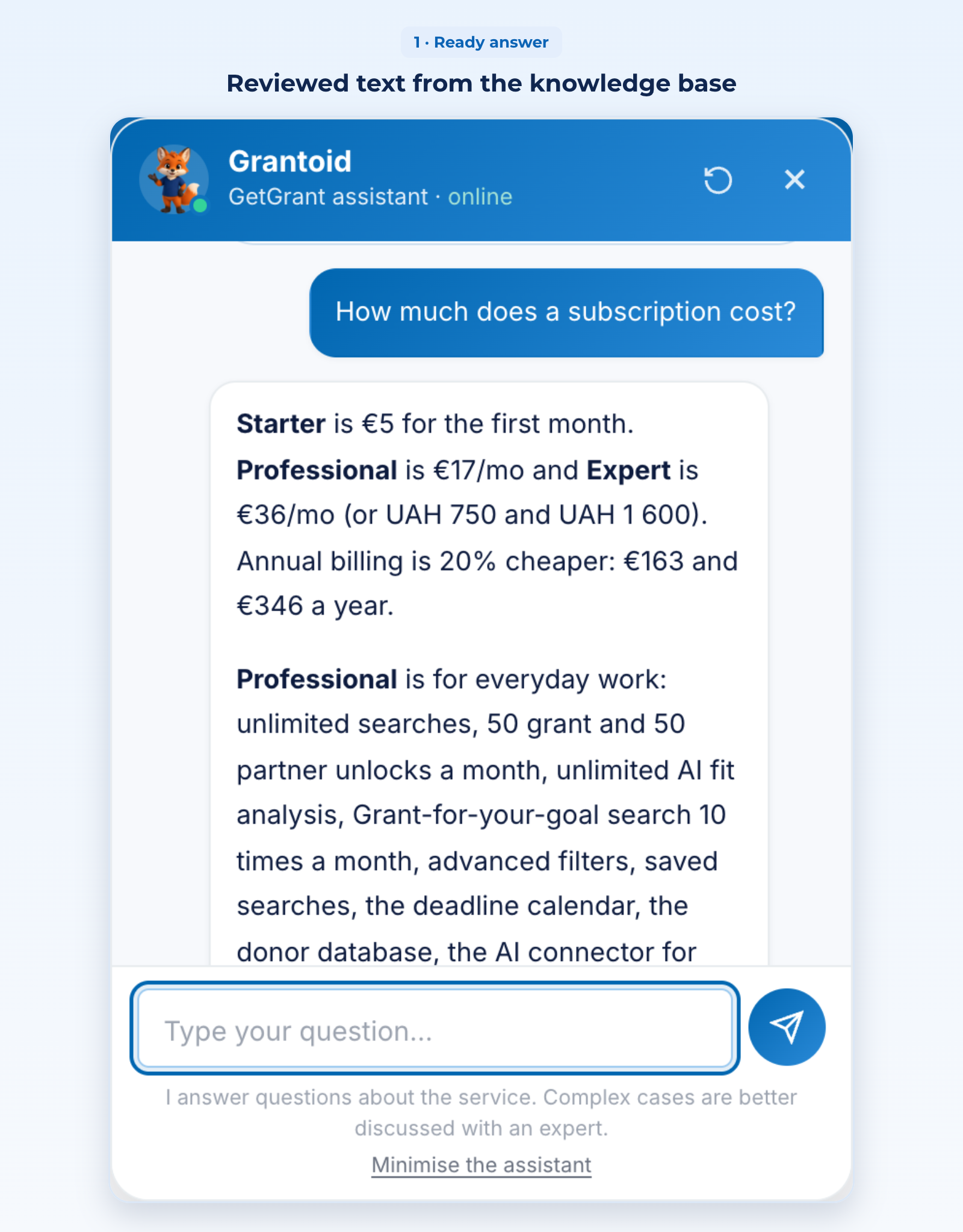
A ready answer. To “How much does a subscription cost?” Grantoid answers instantly, because this is one of the 53 topics in its knowledge base. Every answer was written and reviewed by the GetGrant team, separately in Ukrainian and in English. Prices and limits in these answers are not typed in by hand: they come from the same service settings the pricing page reads. When a plan changes, the chat changes with it.
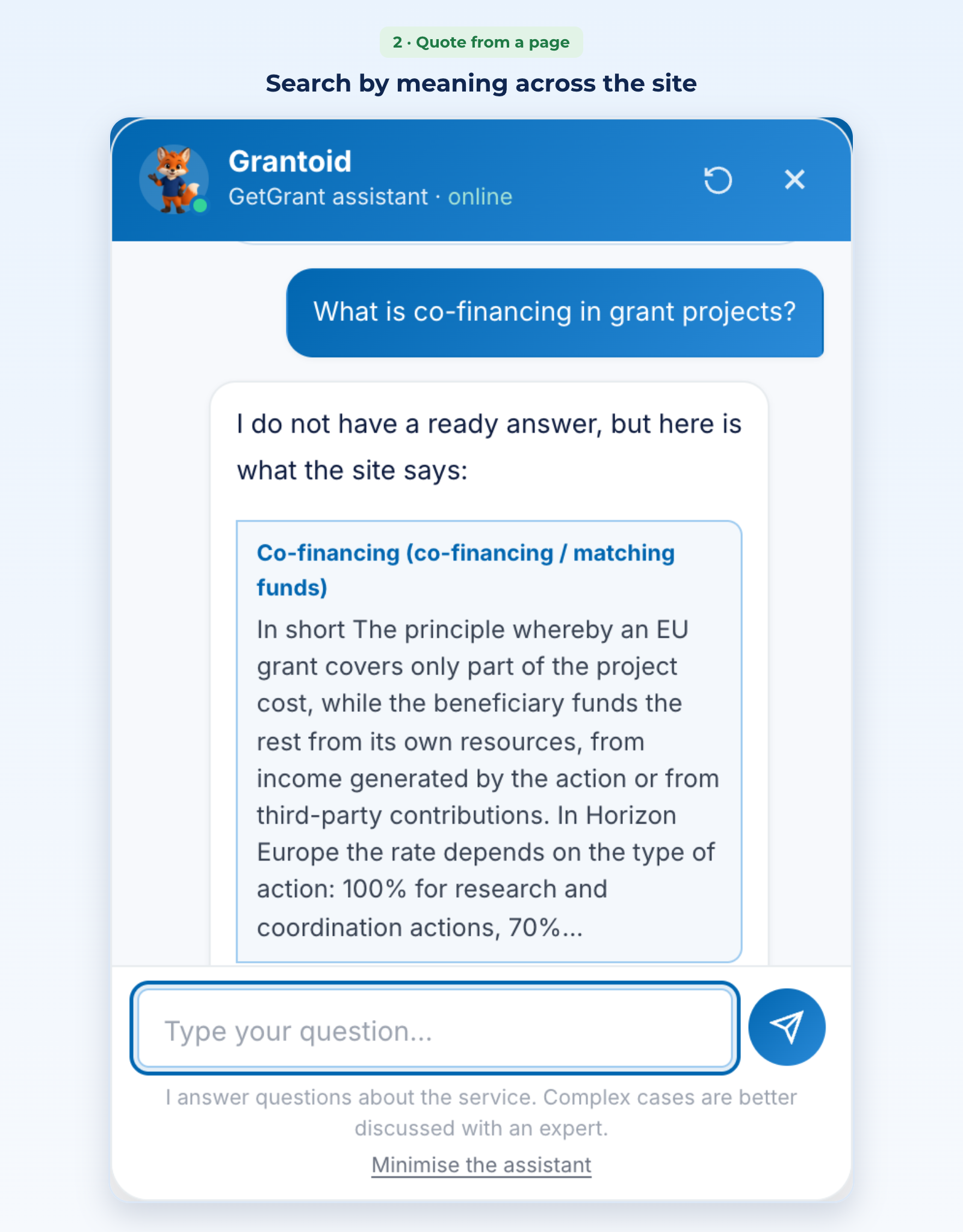
A quote from a page. There is no ready answer to “What is co-financing in grant projects?”. So Grantoid searches the whole site: the wiki, the blog, the courses, the service pages, more than 4,000 passages of text in total. The search compares meaning rather than words, so it finds an explanation even when it is worded differently from the question. In the answer you see a verbatim passage and a link to the page it came from. Grantoid says so directly: “I do not have a ready answer, but here is what the site says”.
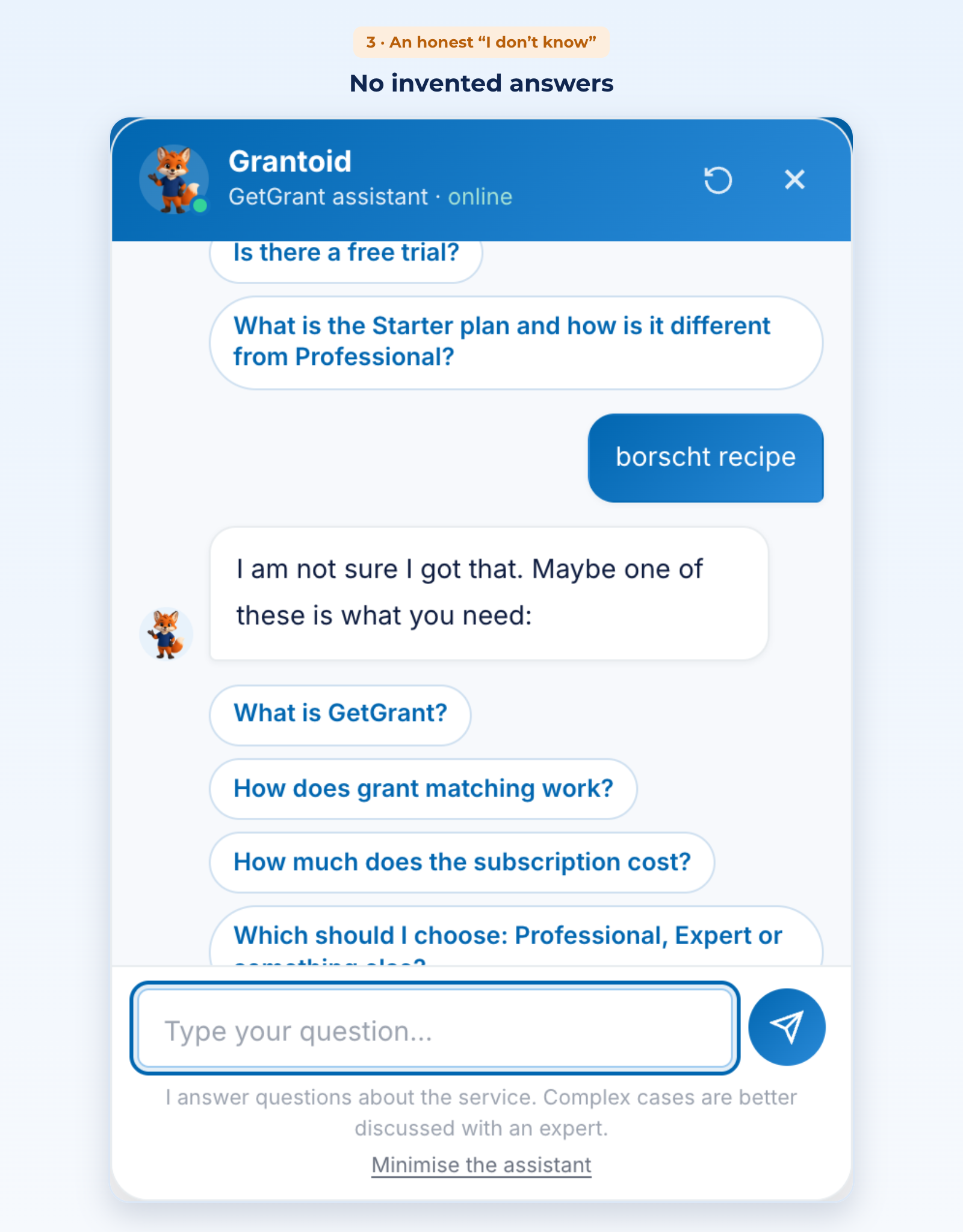
An honest “I don’t know”. Asked for a “borscht recipe”, the assistant does not try to be witty and does not invent an answer. It says it is not sure it understood the question, offers related topics and suggests writing to the team.
Why Grantoid does not generate text
A generative model would answer more smoothly. But in grants, smoothness is expensive: an invented amount, a wrong deadline or a non-existent programme condition can cost an applicant weeks of work. So we made a different choice.
- Artificial intelligence is used to understand, not to invent. Machine learning in Grantoid is responsible for understanding a question asked in arbitrary words and finding the text closest in meaning. The text of the answer itself always has an author or a source.
- Every answer can be checked. Ready answers are stored as plain text edited by the team. Quotes lead to the source page.
- A refusal is better than a guess. We tuned the confidence threshold on real questions: questions about grants have to pass, while “the price of petrol” or “who won the championship” have to get an honest refusal.
- The chat runs on GetGrant servers. Questions put to the assistant are not passed to third-party AI services.
- The assistant knows its limits. A line under the input field always reads: “I answer questions about the service. Complex cases are better discussed with an expert.”
This approach is also in line with the European transparency requirements for chatbots: in its very first message Grantoid introduces itself as the GetGrant assistant, so a visitor understands they are not talking to a person.
AI project diagnostics in two minutes
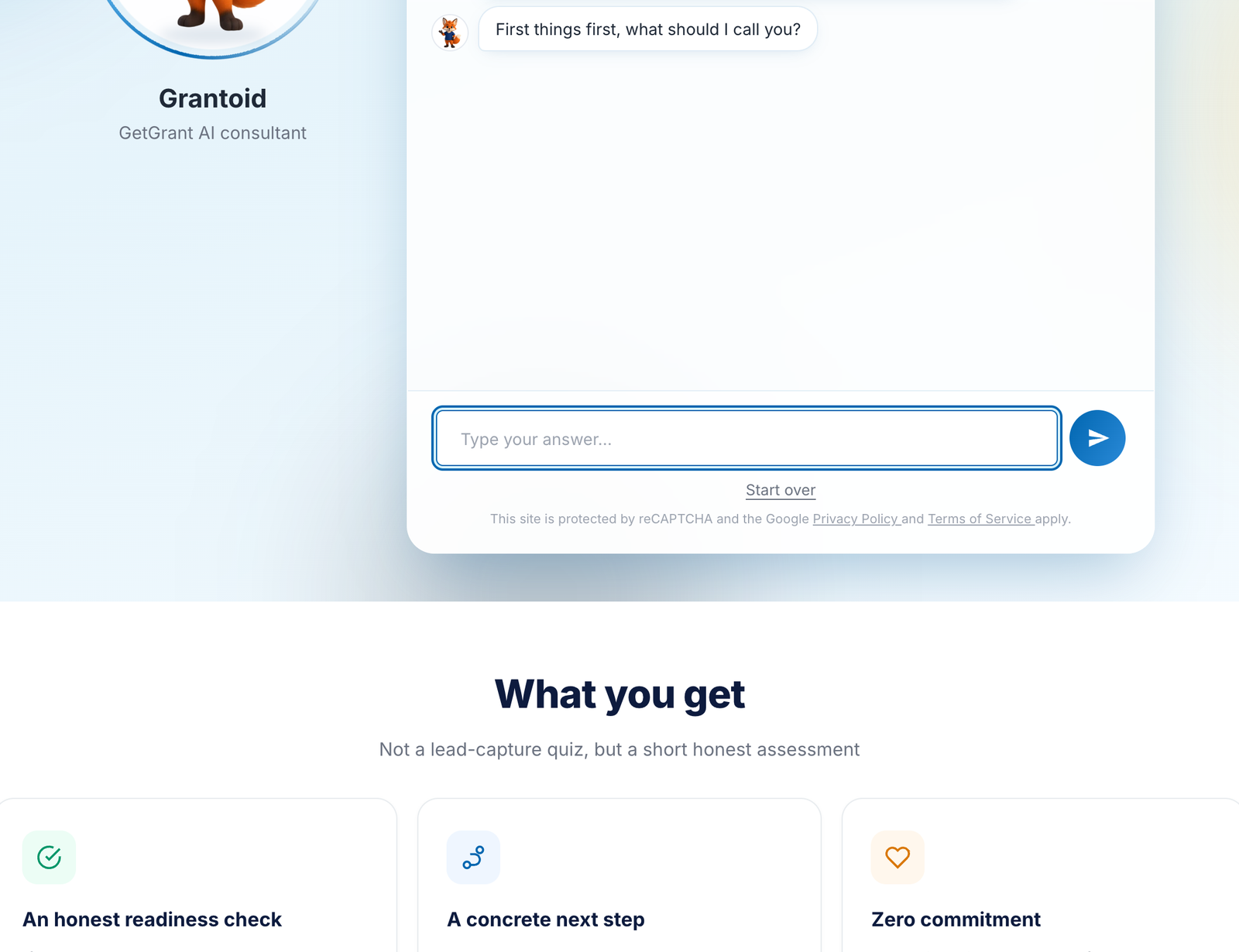
Grantoid’s second role is that of a consultant on the AI diagnostics page. Here it asks the questions itself. This suits those who are at the start of the road and do not know what to ask.
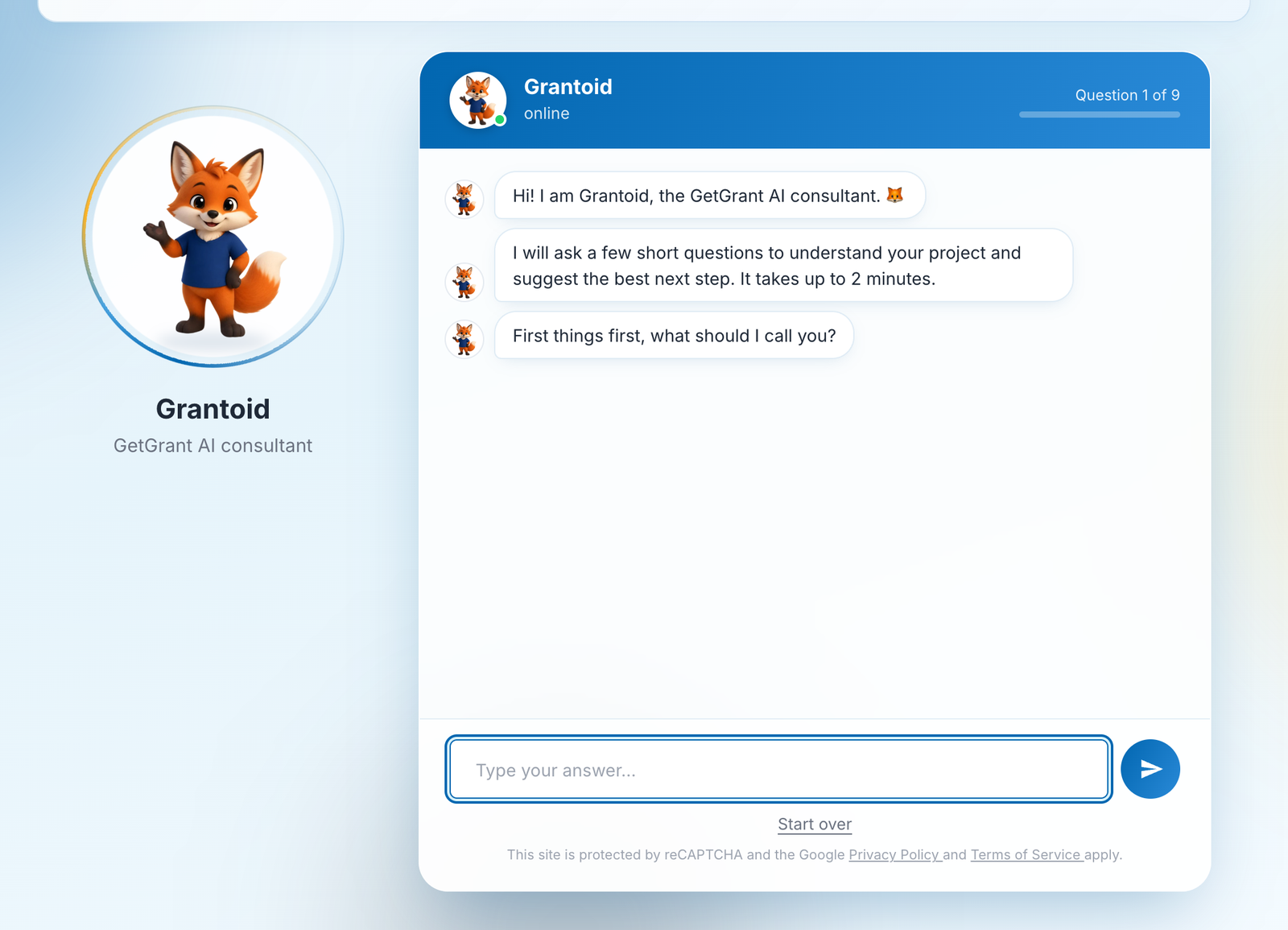
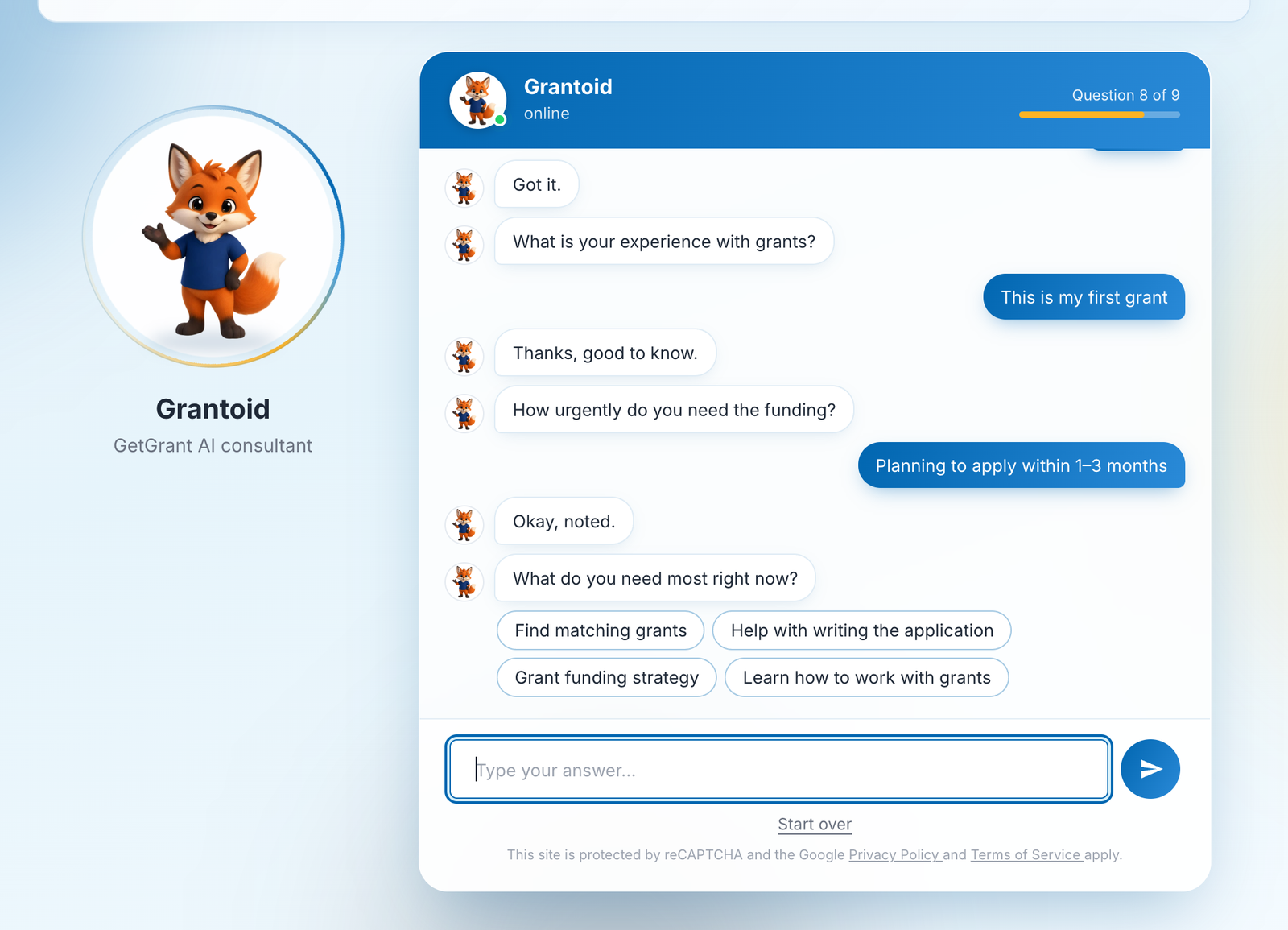
The dialogue has nine short steps: your name, applicant type, a few words about the organisation, the project idea, an approximate budget, grant experience, urgency, the main need and an email for the summary. Where the options are few, Grantoid offers buttons. About the organisation and the idea you write in your own words.
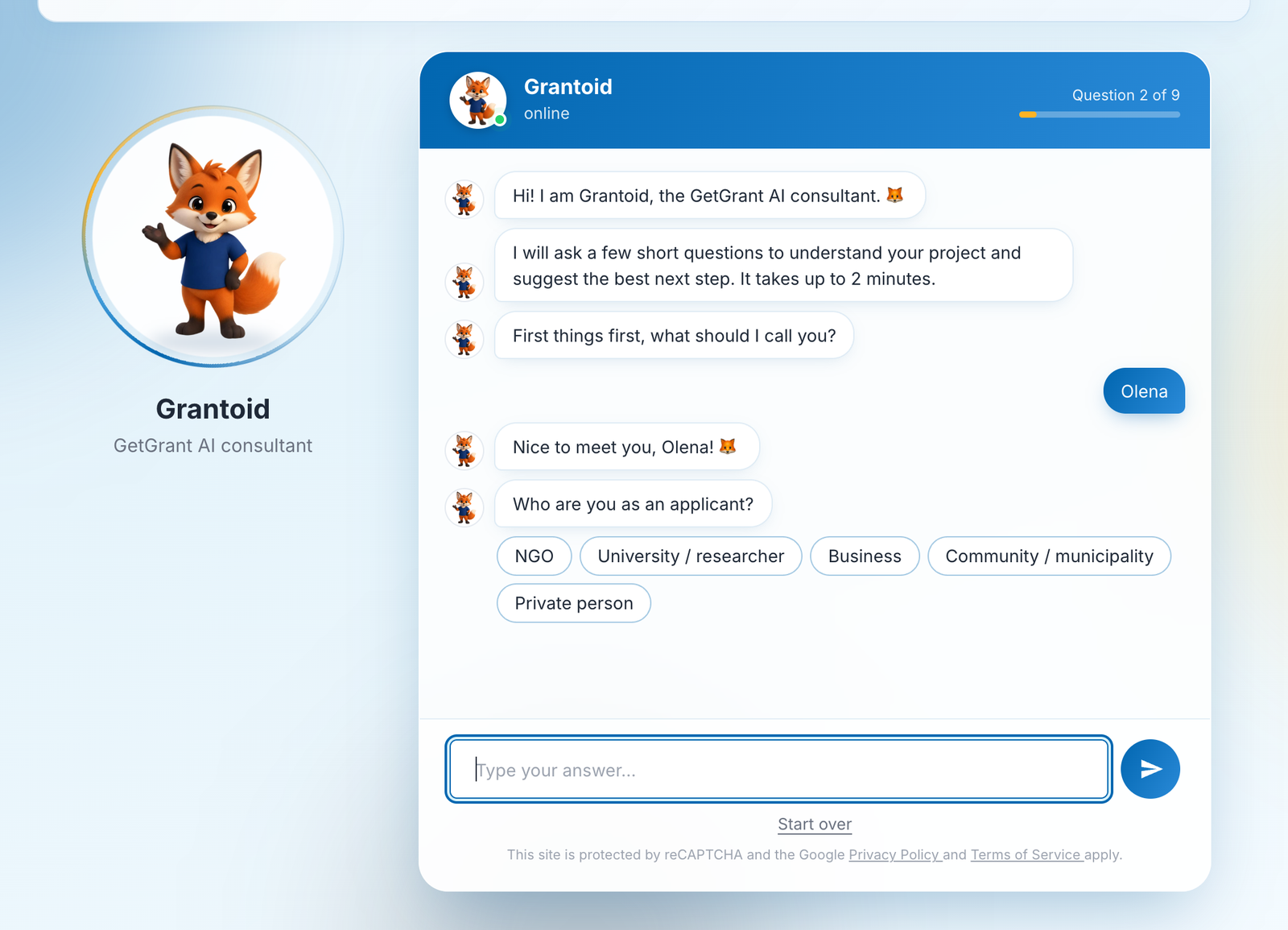
A progress bar at the top of the window always shows how much is left. The dialogue can be restarted at any moment.
After the last step Grantoid weighs the answers and shows a “My recommendation” card with one of three outcomes and a short list of the reasons behind it.
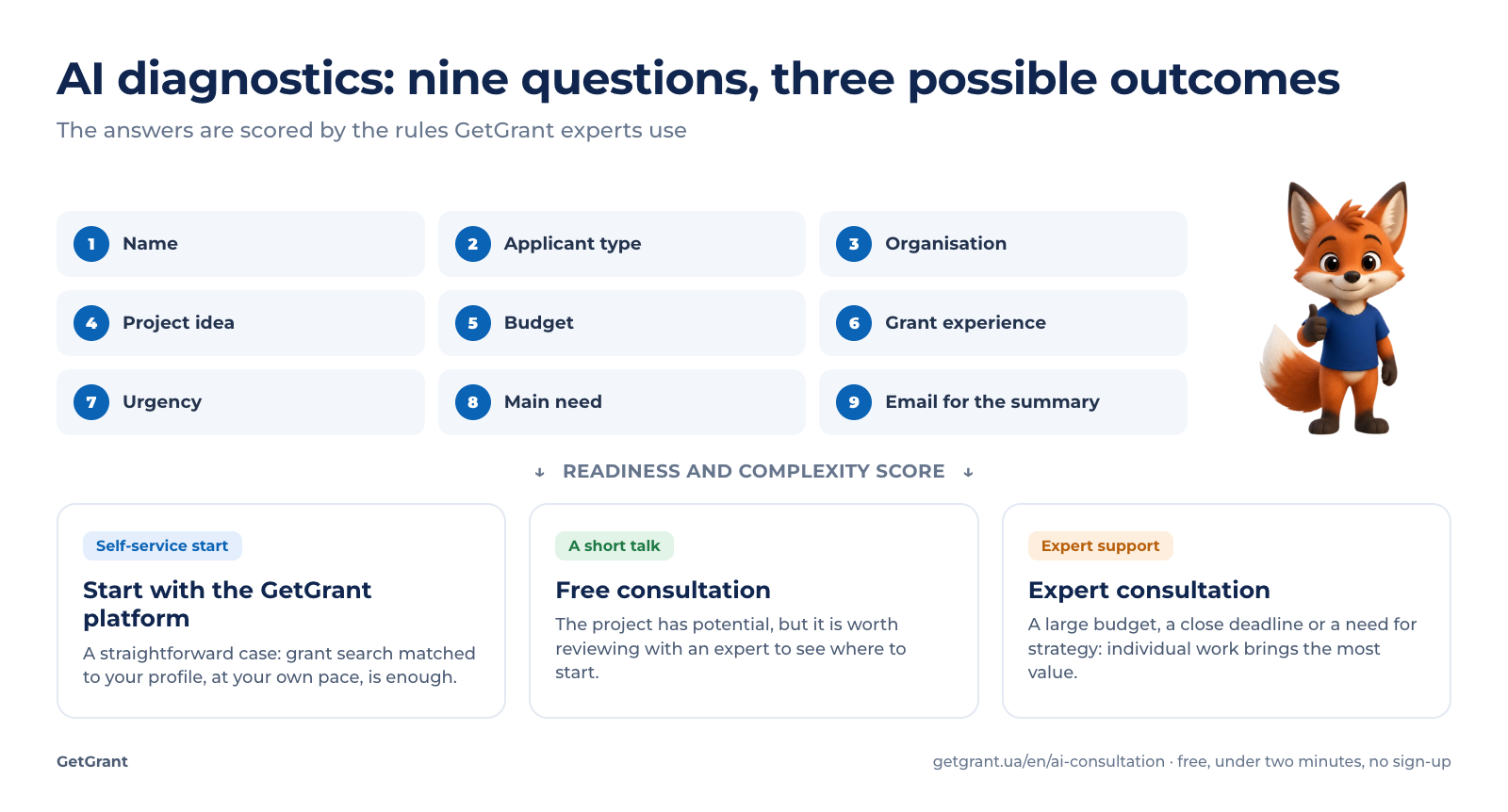
An important detail: the decision is made not by a language model but by a set of rules drawn up together with GetGrant experts. They take into account the budget, the timeline, the experience and the need. So the same combination of answers always gives the same recommendation, and its reasons can be explained in plain language. The card lists what shaped the recommendation: applicant type, budget, timeline and need.
Diagnostics for a specific service
If you come to the diagnostics from the services page, Grantoid knows which service you are considering and asks different questions. For application writing it asks about the chosen call, the deadline and how ready the materials are. For corporate training it asks about participants and format, and there is not a single question about grants. The page shows at once what the conversation will be about.
Five scenarios work this way: on-demand grant search, application writing, commercialisation of a development, project audit and corporate training.
On a phone
Most visitors see the site for the first time on a phone, so Grantoid is built for a small screen. The chat expands to the full width, and topics and answer options become large buttons.
Foxes on the portal
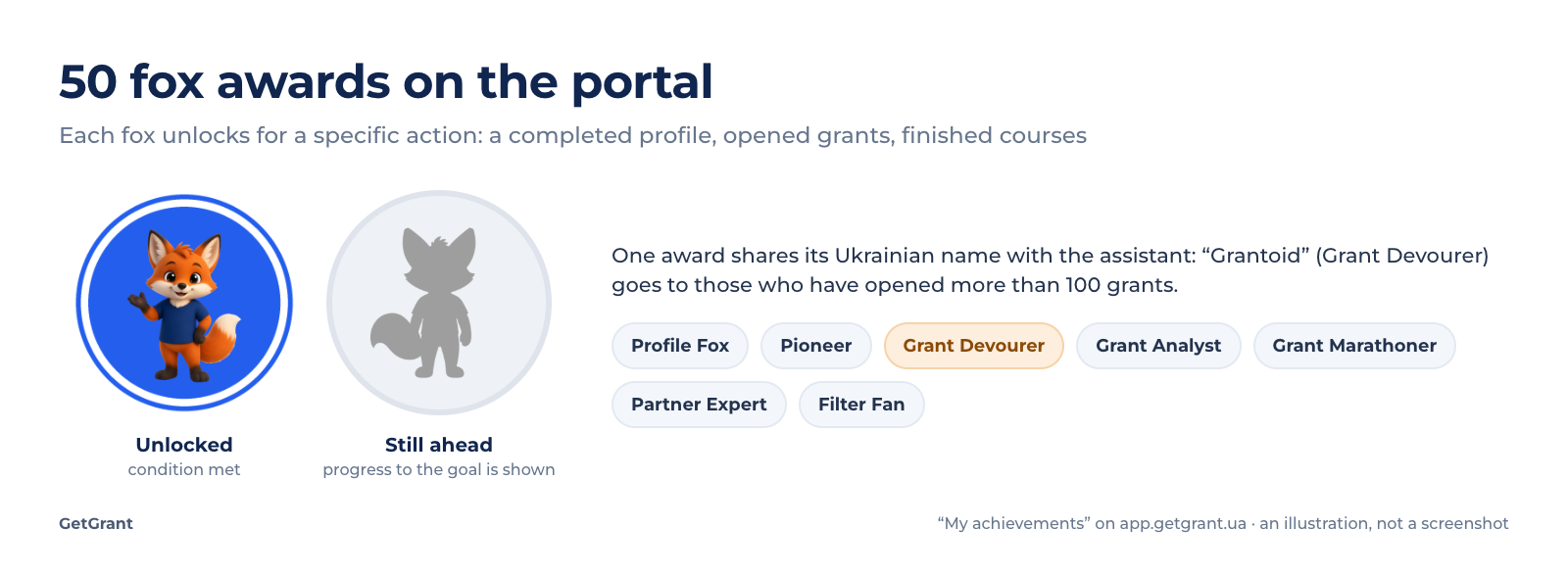
After sign-up the fox does not disappear. In the “My achievements” section of the app.getgrant.ua portal, 50 fox awards wait for the user. Each one unlocks for a specific action: a completed profile, the first opened grant, a finished course, a passed test. There are the “Profile Fox”, the “Pioneer”, the “Grant Analyst” and the “Filter Fan”. And the award that shares its Ukrainian name with the assistant goes to those who have opened more than 100 grants.
What Grantoid does not do
An honest review has to name the limits too.
- It does not match grants in the chat. Finding calls for your profile is the job of the platform. Grantoid explains how the search works and takes you to it. For those used to ChatGPT or Claude, paid plans include a separate AI connector: you describe the project in a familiar chat, and the model searches open calls in the GetGrant database.
- It does not write applications or assess drafts. The portal tools and the experts are there for that.
- It does not replace an expert. The diagnostics gives a direction at the start. A complex case is worth reviewing at a consultation, and the funding decision is always made by the donor.
- It knows the site as it was when the index was last updated. A newly published page appears in the assistant’s search after the next re-indexing. Plans and limits in the ready answers are always current.
Conclusion
Grantoid shows that a useful AI assistant does not have to write long texts. It understands a question asked in your own words, answers with reviewed text or a sourced quote, and is not ashamed to say “I don’t know”. And on the diagnostics page it turns a vague idea into a concrete next step in two minutes. Try it yourself: click the fox in the corner of the screen.
Want an assistant like this for yourself?
If you plan to introduce a similar AI assistant in your organisation, on your site or in your product, or you have an idea for an AI startup, we will be glad to help. We have walked this road ourselves: from a knowledge base and search by meaning to diagnostics and a launch on our own servers. We will tell you where to start, which mistakes to avoid and where to look for funding for the development. Write a few words about your task in the form below.
Sources

Tell us about your AI project
Planning an AI assistant for your organisation or have a startup idea? Leave your contact and we will reply within one business day.